- Attenborough.film
- Compare
- Luma 500 vs ML750i
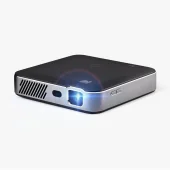
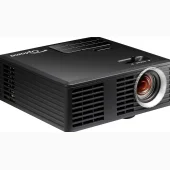
Kodak Luma 500 vs Optoma ML750i
What Luma 500 does better (2) and where ML750i wins (4) — every spec side by side.
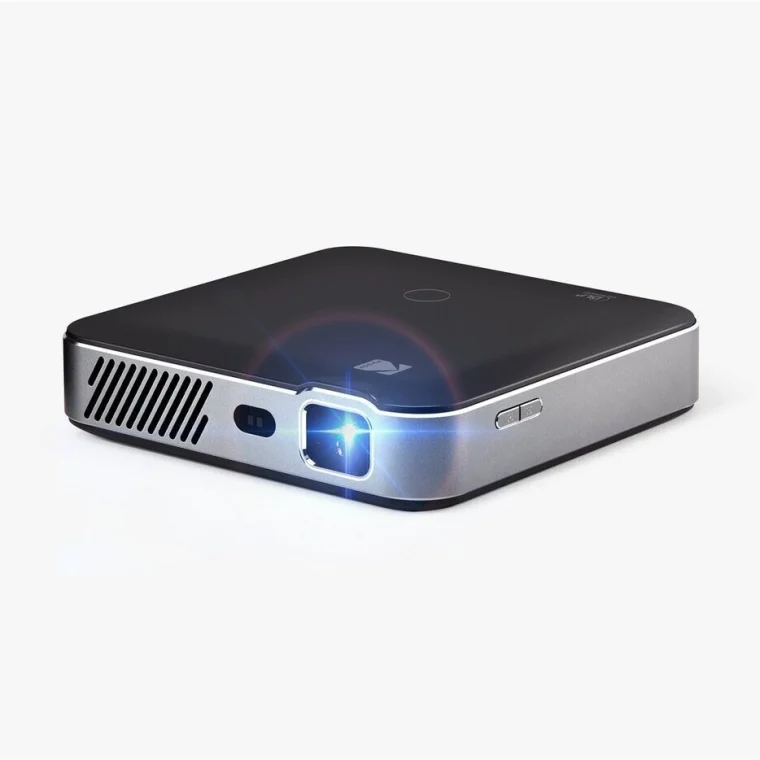
Why is Luma 500 better than ML750i?
- Resolution (on screen)1920 × 1080 (Full HD) vs 1280 × 800 (WXGA)
- Native panel resolution1920 × 1080 (Full HD) vs 1280 × 800 (WXGA)
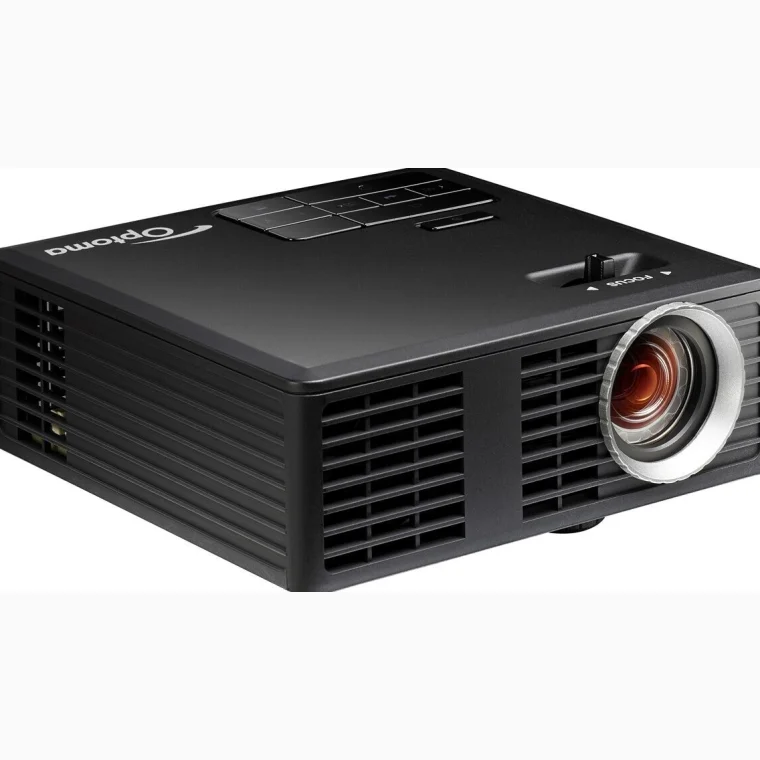
Why is ML750i better than Luma 500?
- Brightness (ANSI / ISO lumens)150 lm vs 450 lm3×
- Light source life500 h vs 20,000 h40×
- Contrast ratio (dynamic / claimed)400:1 vs 15,000:137.5×
- Audio outputNo · Luma 500: Yes
Specifications
Side by side
| Picture | ||
| Resolution (on screen) | 1920 × 1080 (Full HD) | 1280 × 800 (WXGA) |
| Native panel resolution | 1920 × 1080 (Full HD) | 1280 × 800 (WXGA) |
| Display technology | DLP | DLP |
| Light source | — | LED |
| Brightness (ANSI / ISO lumens) | 150 lm | 450 lm |
| Contrast ratio (dynamic / claimed) | 400:1 | 15,000:1 |
| HDR support | — | No |
| 3D playback | — | Yes |
| Gaming | ||
| Maximum refresh rate | — | 120 Hz |
| Lens & placement | ||
| Throw ratio | 0.57:1 | 1.5:1 |
| Throw type | Short throw (0.4–1.0:1) | Standard throw (1.0:1 and longer) |
| Distance for a 100″ 16:9 image | 1.26 m | 3.32 m |
| Smallest image size | — | 17″ |
| Largest image size | — | 100″ |
| Lens shift | None | None |
| Keystone correction | Yes | Yes |
| Automatic keystone correction | No | No |
| Sound | ||
| Built-in speakers (total output) | — | 2 W |
| Smart & streaming | ||
| Smart platform | Google TV | — |
| Built-in smart platform | Yes | — |
| Netflix (officially licensed) | Yes | — |
| Wi-Fi | Yes | Yes |
| Chromecast built-in | Yes | — |
| Connectivity | ||
| HDMI inputs | 1 | 1 |
| USB port | No | Yes |
| Ethernet (LAN) | No | No |
| VGA input | No | No |
| Audio output | No | Yes |
| Battery, power & lifetime | ||
| Power consumption | — | 67 W |
| Light source life | 500 h | 20,000 h |
| Design & noise | ||
| Fan noise | — | 32 dB |
| Fan noise (eco mode) | — | 29 dB |
| Weight | — | 0.4 kg |
| Colours | Black | Black |